Theme / Blog, Editorial
Waldron
A clean, image-led blog theme for writers and small publications.
Made for
Writers and essayists, independent magazines, food and travel blogs, and personal journals
Status
In development
- Astro and Astro + Sanity editions included
- Unlimited personal and client projects
- Updates for new Astro and Tailwind releases
- Read the docs
- Pages
- 11
- Sections
- 9
- Form providers
- 5
- Blog
- Yes
See Waldron up close
01 / 08
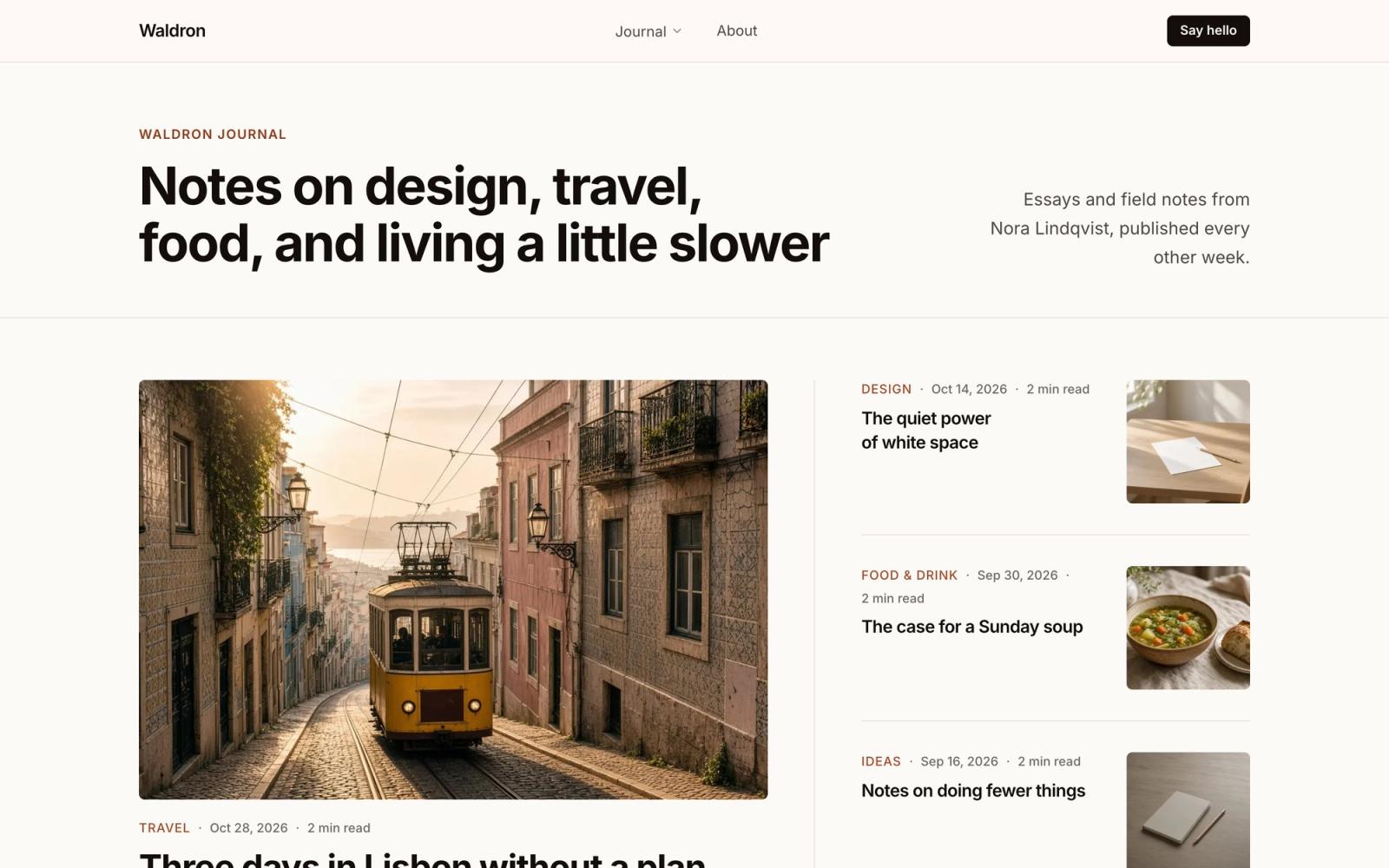
Home page with a lead story and recent posts 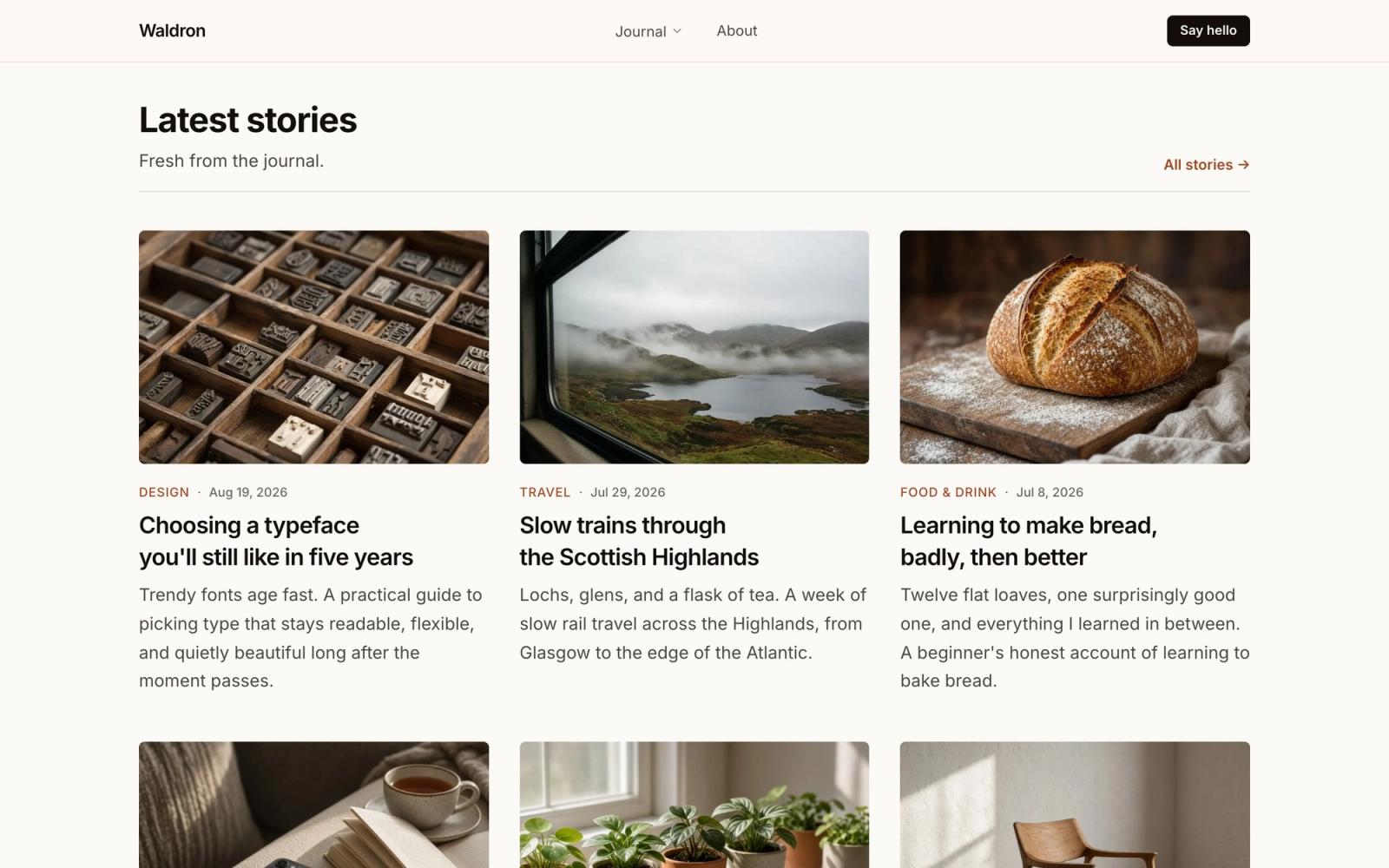
Latest stories in a three-column grid 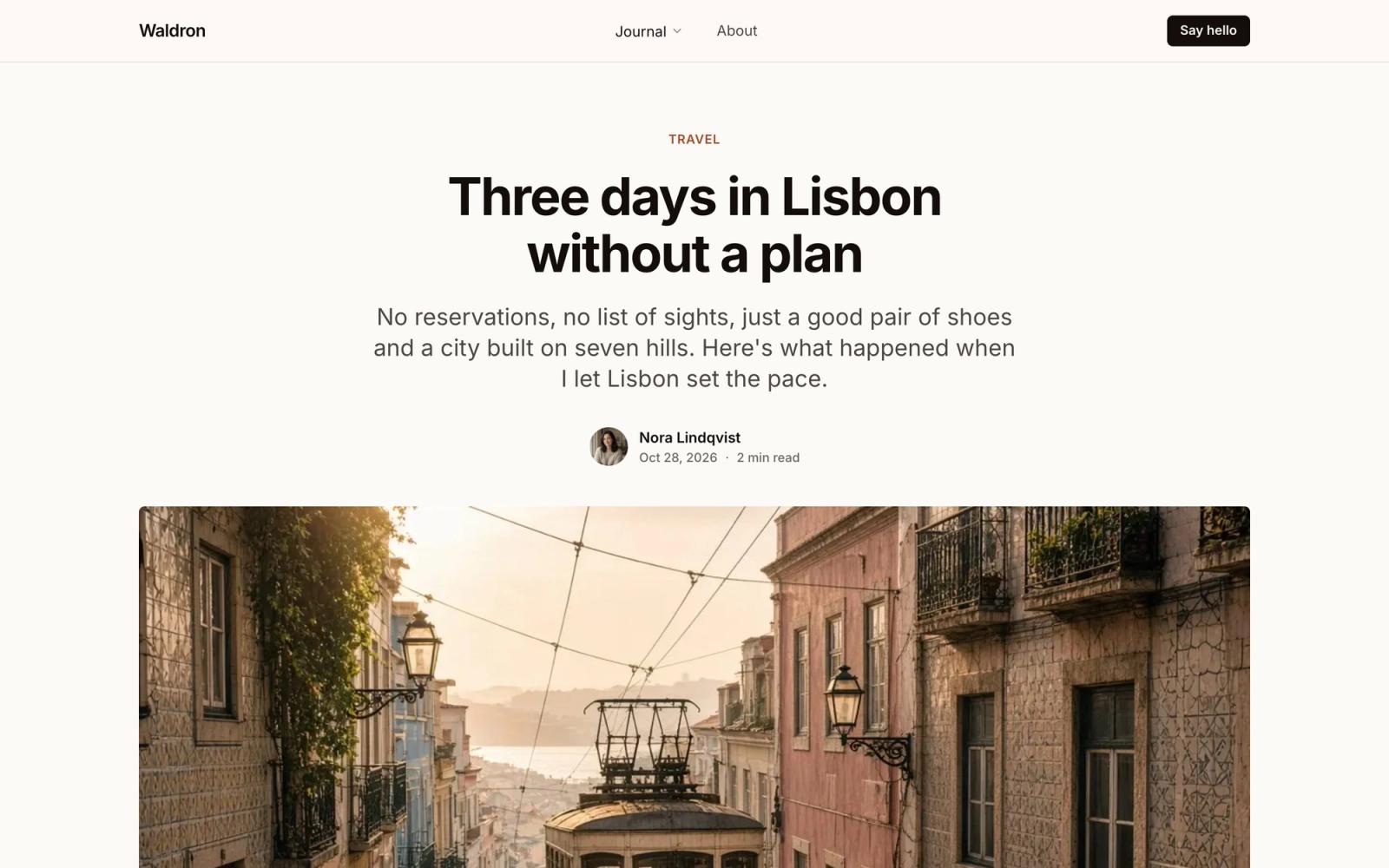
Post page with a full-width hero image 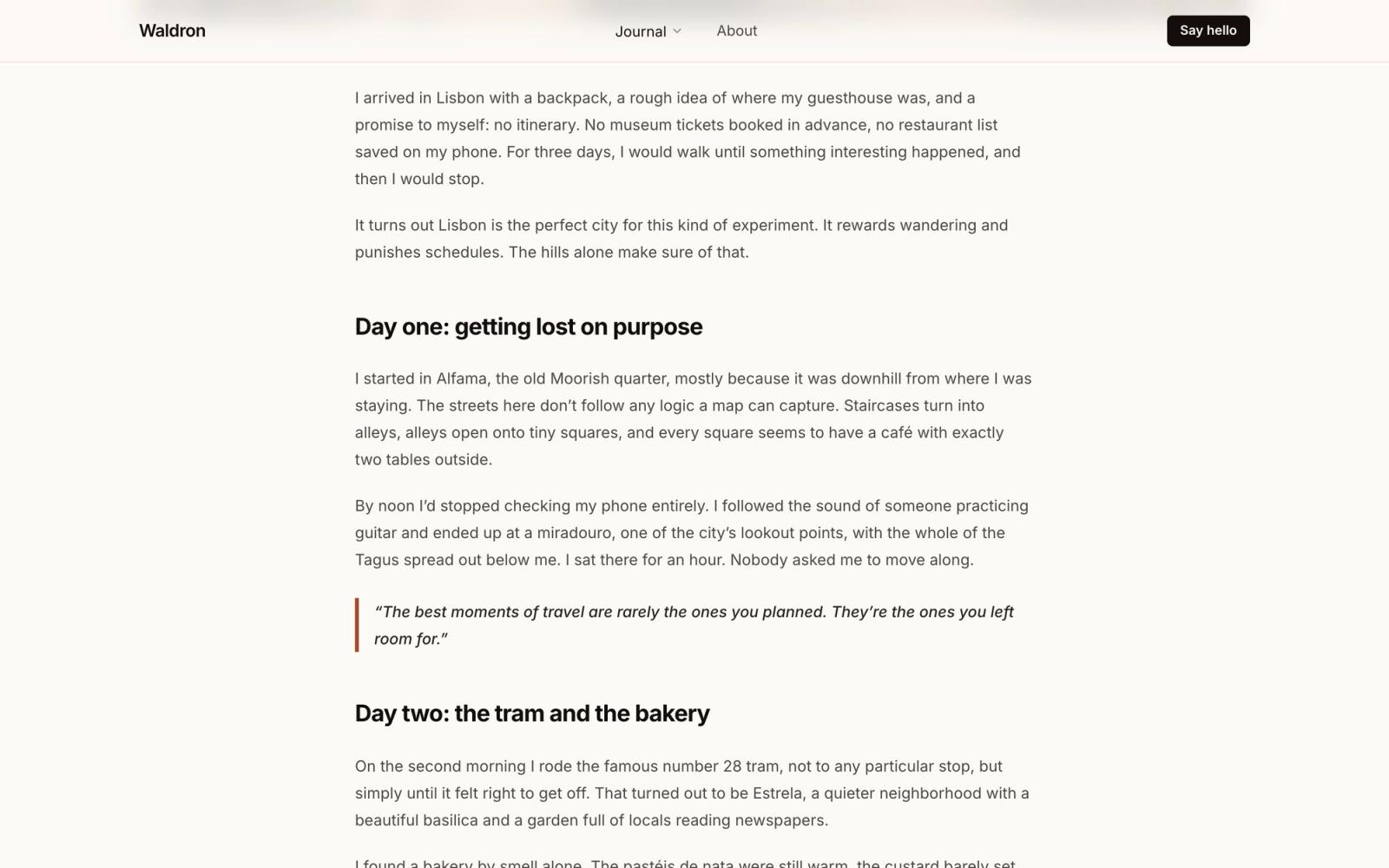
Comfortable reading width for long essays 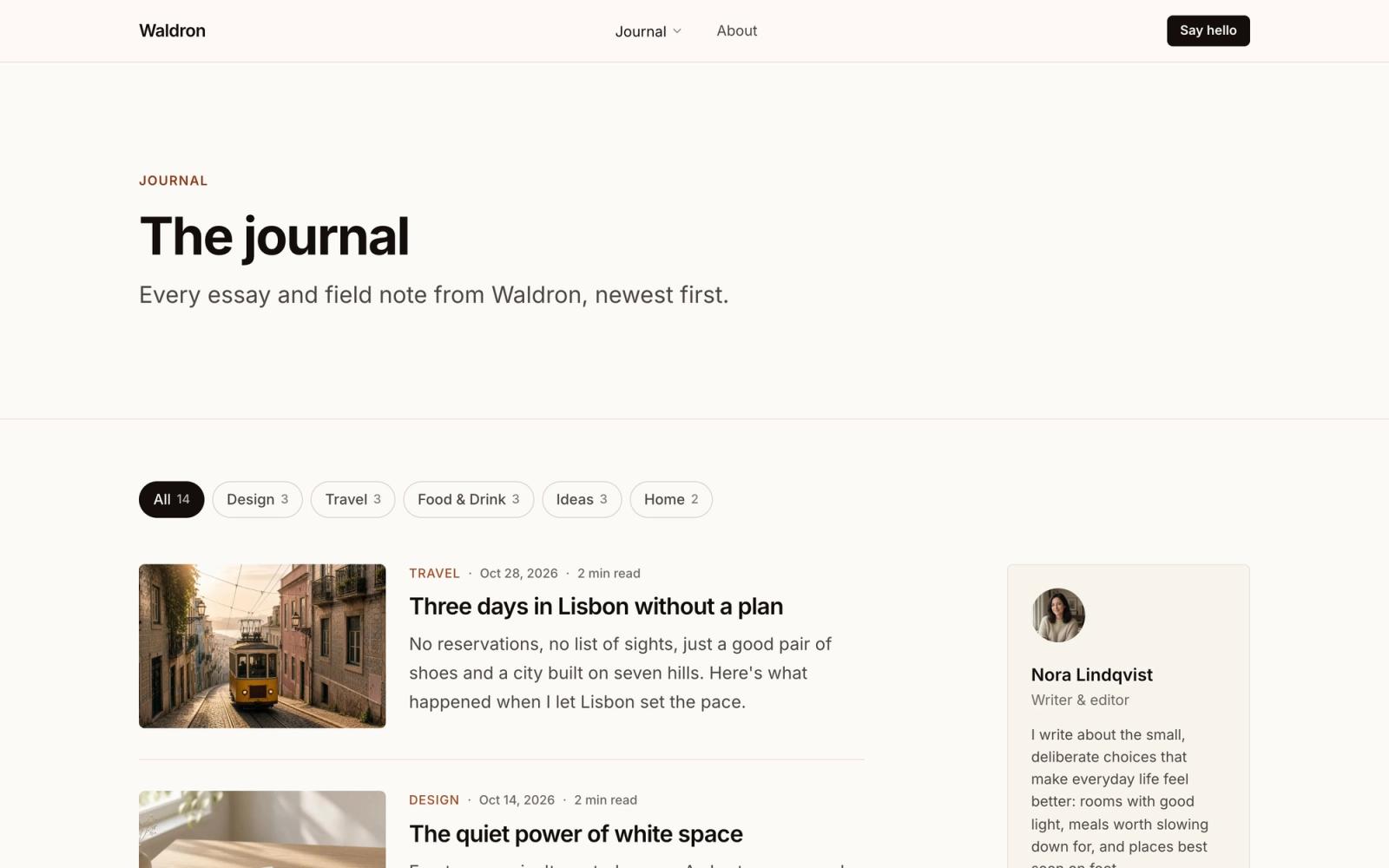
Journal with category filters and an author sidebar 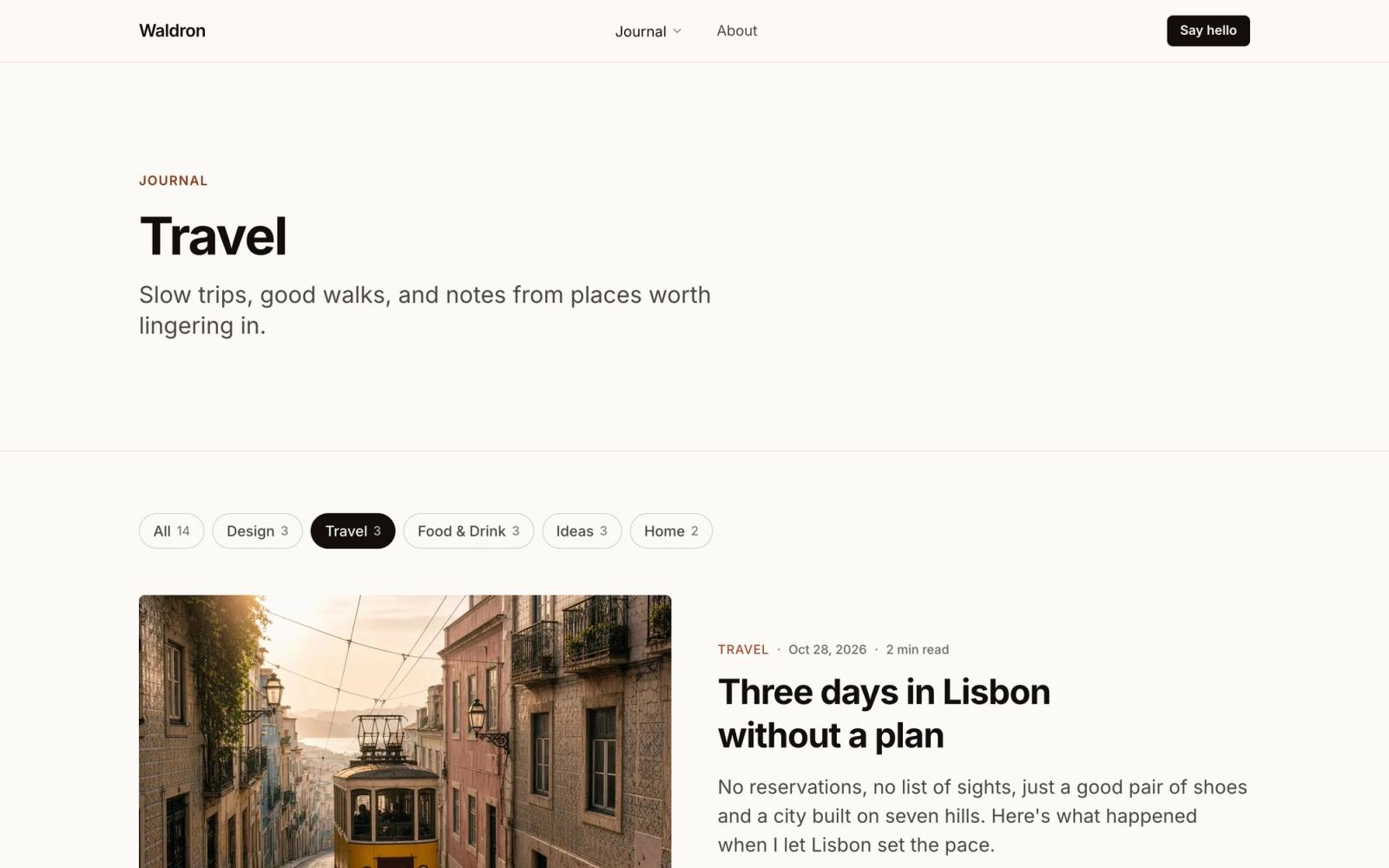
Category page with a featured story 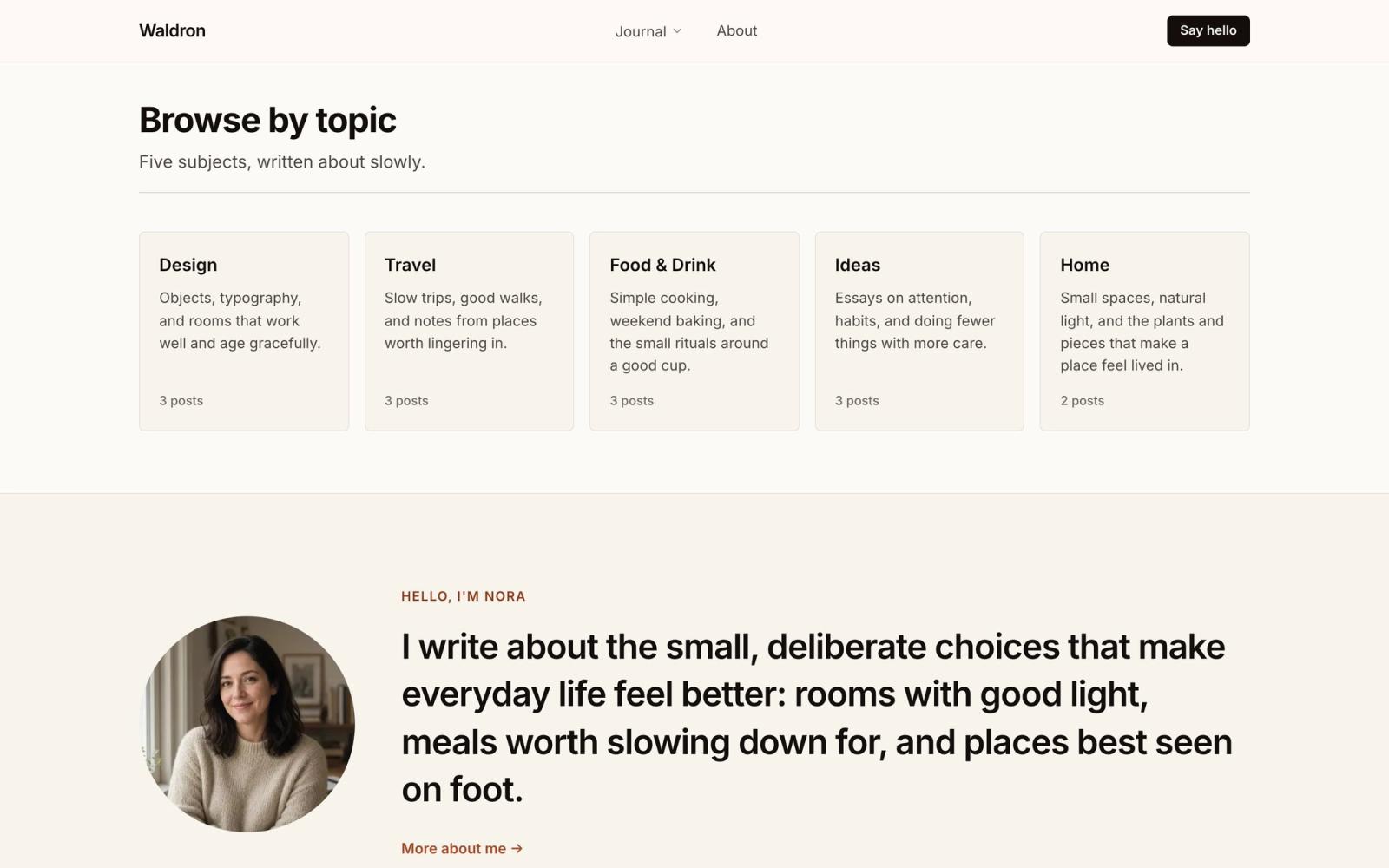
Topic cards and an author introduction 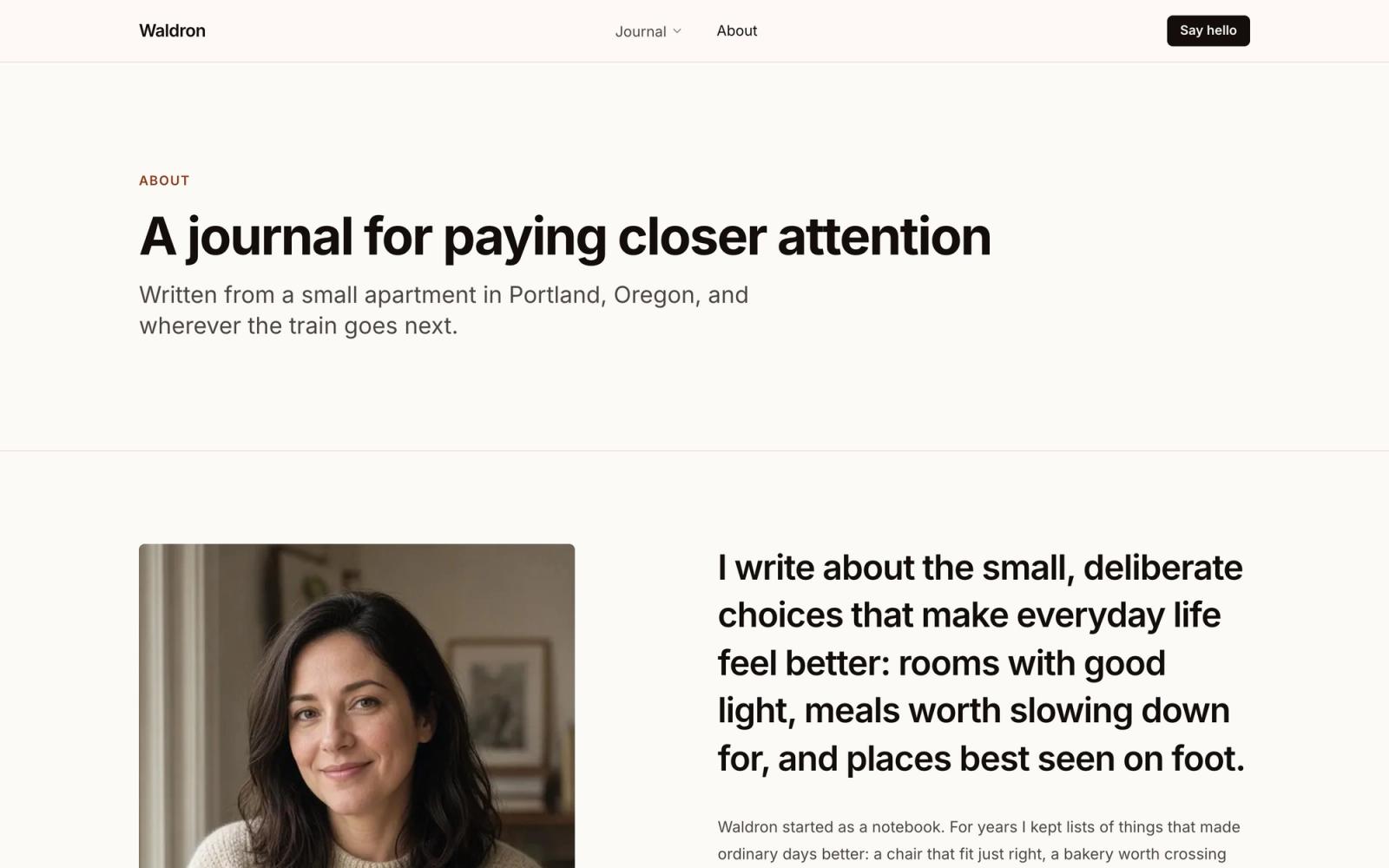
About page with the author's story
Two editions, one purchase
Buying Waldron gets you every edition as its own repo. Pick the one that matches how you want to edit content, or try both.
Astro edition
Posts are Markdown files in the repo, categories are one JSON file, and images sit beside them. No accounts or services: edit, commit, and your host rebuilds.
---
title: Three days in Lisbon without a plan
description: No reservations, no list of sights, just a good pair of shoes and a city built on seven hills. Here's what happened when I let Lisbon set the pace.
date: 2026-10-28
category: travel
tags: [portugal, city guides, walking]
image: ../../assets/posts/lisbon.jpg
imageAlt: A yellow tram climbing a steep cobbled street in Lisbon at golden hour
featured: true
---Write in any editor
Frontmatter for the title, category, cover image, tags, and featured spot. The build checks every field.
Everything in Git
Posts, images, and categories are versioned with the code, so every change can be reviewed and rolled back.
Nothing to set up
Clone, install, and run. No API keys, no accounts, no monthly plan.
SEO and AI in one file
Search titles, social images, analytics, search console codes, AI crawler rules, and the contact page FAQ live in src/config/integrations.ts.
Drafts and hidden posts
draft: true keeps a post off the site. seo.noindex: true publishes it but keeps it out of search, the sitemap, and llms.txt.
Every post as Markdown
Each post is also served at /blog/<slug>.md, and /llms-full.txt has every post in one file for AI assistants.
Astro + Sanity edition
Posts, categories, the author, and site settings live in Sanity Studio, an editor in the browser you can share with writers. Publishing rebuilds the static site, so pages stay as fast as the Astro edition.
npm install
npm run setup    # creates your Sanity project and loads the demo
npm run dev      # the site at localhost:4321
npm run studio # the Studio at localhost:3333One-command setup
npm run setup creates a Sanity project in your account, loads the demo content, and writes your .env files.
A Studio for writers
Rich text with images and captions, image hotspots, a featured switch, SEO fields, and one author profile.
Rebuilds on publish
A webhook starts your host's build whenever a post, category, the author, or site settings change.
Your project, your data
The repo ships with no project IDs or tokens. Content lives in your own Sanity project, on the free plan.
Site settings
Navigation with category dropdowns, footer, SEO, page titles, AI and search details, and analytics, in seven tabs. Blank fields use the config files.
Move over any time
Import an existing Astro edition site, posts, images, and author included.
Every page
Waldron puts the writing and the photography first. Inter, warm paper tones, and a terracotta accent keep it calm, so posts feel like a magazine you want to keep reading.
Every post has a category, tags, a hero image, and an optional featured flag. Write them as Markdown files or in Sanity Studio: one purchase includes both editions, and they share every page and component.
- 01
Home
Featured spotlight, latest posts, a feature story, topics, an author band, a reading list, and more posts
- 02
Journal
Every post, newest first, eight to a page with a topics sidebar
- 03
Category pages
One page per topic, built from your category list
- 04
Archive
Every post on one page, grouped by year
- 05
Post
Cover image, reading time, a progress bar, an author card, related posts, and previous and next links
- 06
About
Portrait, story, and a few highlights about the writer
- 07
Contact
A contact form (Formspree, FormSubmit, Netlify, Cloudflare, or email) and optional common questions
- 08
Privacy
Privacy policy starter text in Markdown
- 09
Terms
Terms of use starter text in Markdown
- 10
Accessibility
Accessibility statement starter text in Markdown
- 11
404
A not-found page with links back into the site
Sections included
- 01
Post spotlight
A lead story with a side list of recent posts
- 02
Post grid
Two, three, or four columns, plain or bordered cards
- 03
Post list
Thumbnail left, right, or none, with a numbered style
- 04
Post feature
Split, stacked, or text over the photo
- 05
Post archive
Every post grouped by year
- 06
Category list
Cards, filter pills, or a sidebar list
- 07
Author card
Home page intro, post footer, or sidebar
- 08
Pagination
Numbered pages with newer and older links
- 09
Call to action
Closing band on the home and about pages
What's included
Eight listing components
Grids, lists, features, a spotlight, and an archive, each with options for images, excerpts, and meta.
Categories built in
Each category gets its own page, filter pill, and count, plus a link in the navigation.
Fast, responsive images
Hero images load first, the rest load lazily in modern formats, and each post gets its own social image.
Astro or Astro + Sanity
Both editions share every page and listing component; only where you write changes. Listings never fetch data, so connecting another CMS only touches the data loader.
SEO and AI ready
Structured data, a sitemap, RSS, llms.txt and llms-full.txt, AI crawler controls, analytics, and search console verification, set in one file or in Sanity.
Five form providers
Formspree, FormSubmit, Netlify, Cloudflare, or plain email, with optional questions and answers on the contact page.
Built with
- Astro 7
- Tailwind CSS v4
- TypeScript
Edit the config
Copy, navigation, SEO, and forms live in a few small files.
// src/config/pages.ts
blog: {
  title: "Journal",
  heading: "The journal",
  pageSize: 8,
},

// src/content/blog/my-post.md
---
title: Three days in Lisbon without a plan
category: travel
image: ../../assets/posts/lisbon.jpg
featured: true
---